Edit Studio
Edit Studio
Backgrounds, upscales, and cleanups — photo edits that are cleanup-ready
Removers, enhancers, and sky tools together so you are not hunting through every generator on FastShot.
Edit Studio on FastShot AI is the edit product surface: Fix and enhance photos — remove backgrounds, upscale, and clean objects in one editing studio. FastShot AI keeps this topical root separate from unrelated generators so commercial edit tools share one hub.
Quick fixes · Works on portraits & products · Free tries available
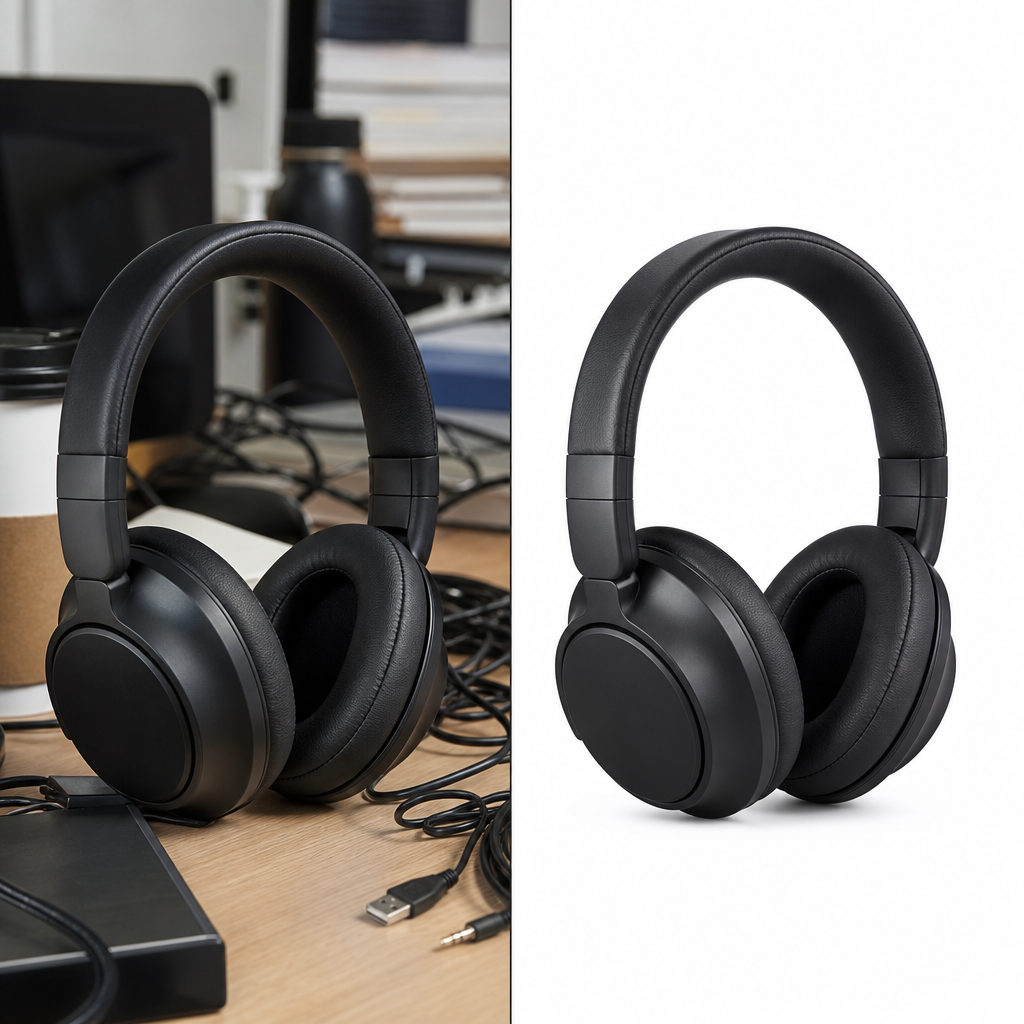 BeforeAfter
Cluttered product shot → clean cutout on white
Before → after · Made with Edit Studio
Editing tools — cleanup and enhancement
Pick a tool — your sidebar stays in this studio.
How to get the best edits
Use the highest-res source
Upscale cannot invent perfect detail from a tiny blurry file.
Remove background before composite
Clean cutouts make fashion/product scenes sharper.
Mask carefully on object remove
Tight selections reduce artifacts.
Enhance last
Do structural edits first, then polish.
Edit results
Edits made with this studio
Before/after style outcomes from the editing toolset.
BeforeAfterClean cutout
“messy desk photo → clean background-removed product”
Made in this studio
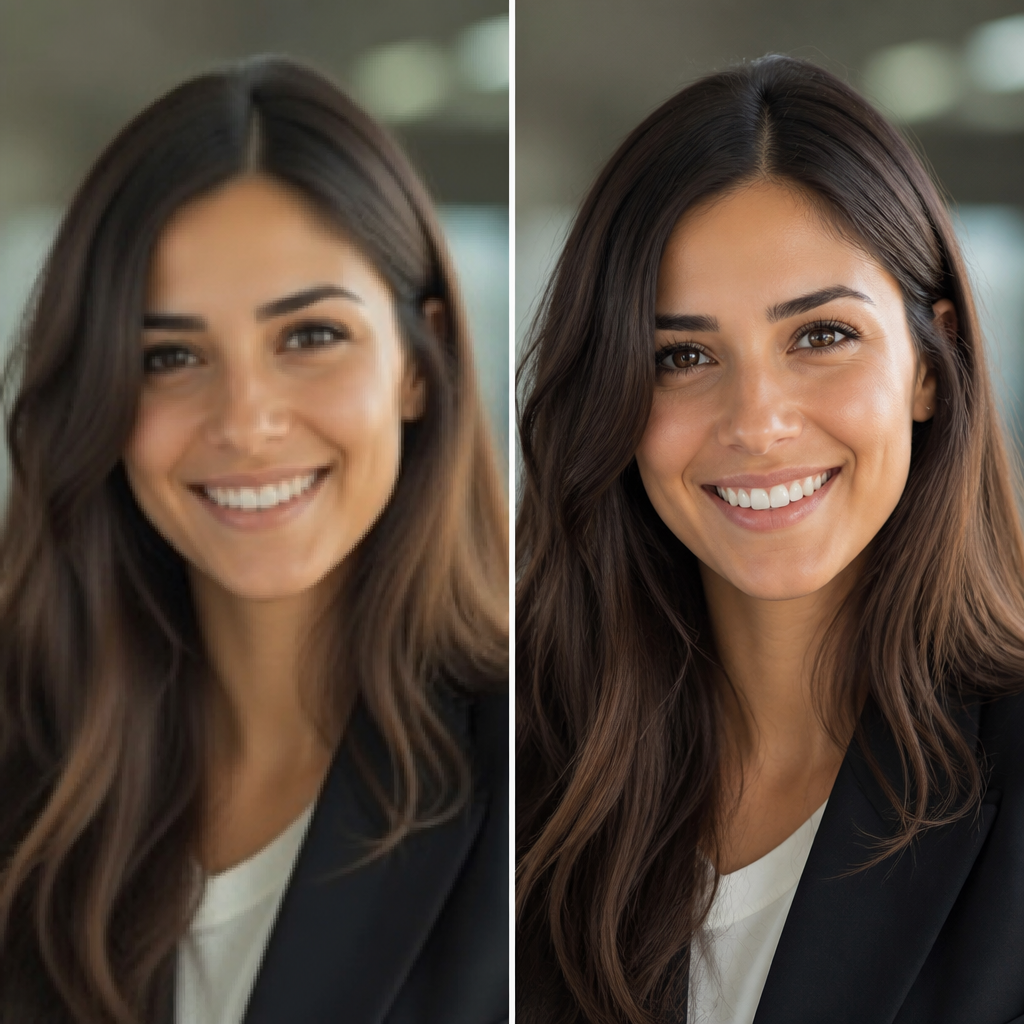 BeforeAfter
Upscaled detail
“soft low-res portrait → sharp upscaled detail”
Made in this studio
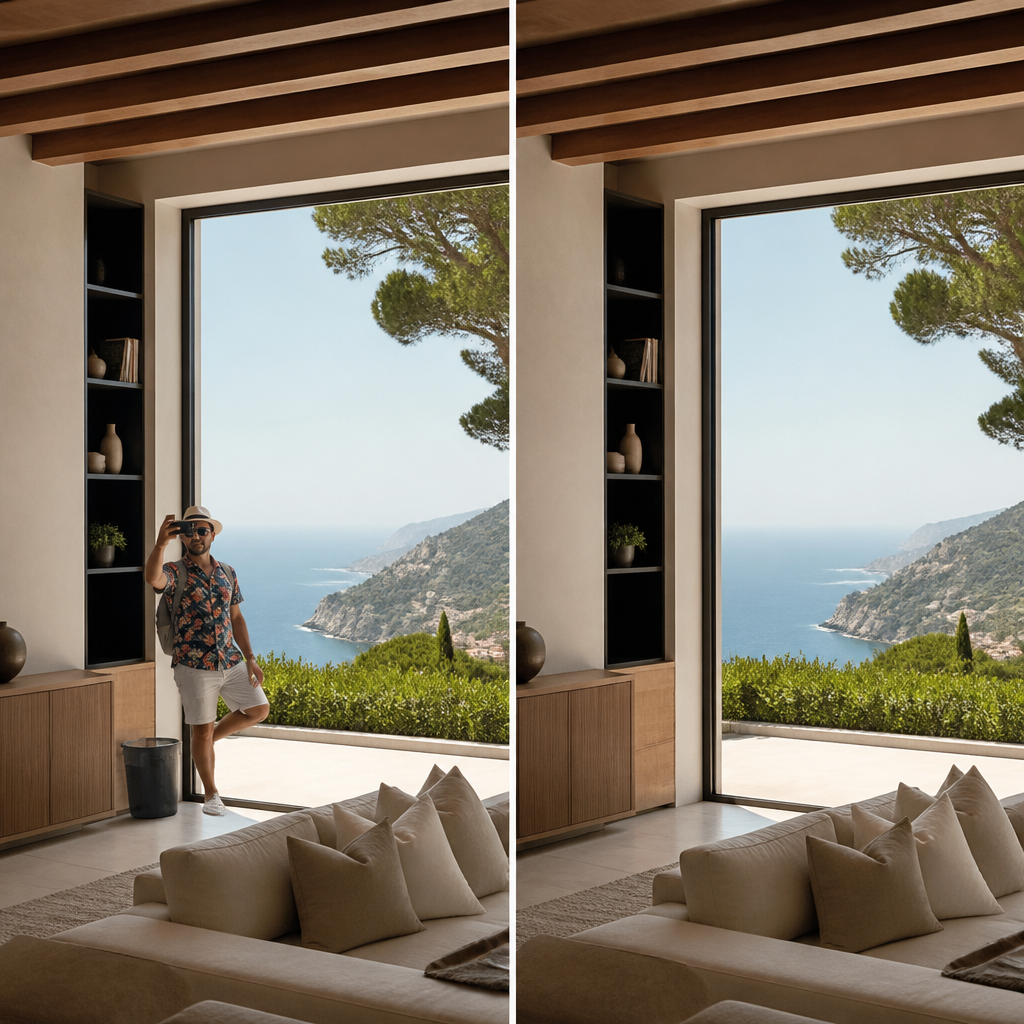 BeforeAfter
Object cleanup
“photobomb & clutter → seamless object removal”
Made in this studio
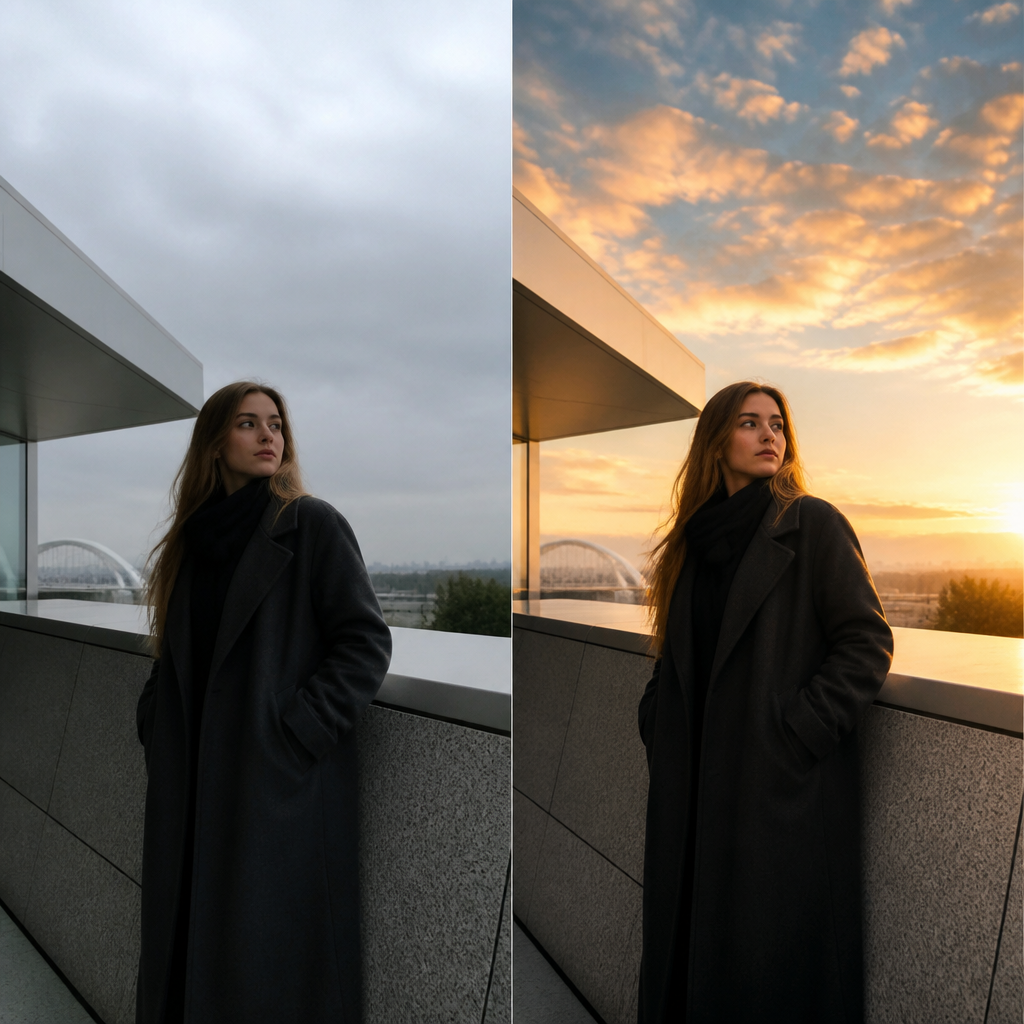 BeforeAfter
Sky & enhance
“flat gray sky → dramatic golden-hour grade”
Made in this studio
Start with background remover or upscale depending on your bottleneck.
Guides
Learn Edit, then run the matching FastShot AI tool
Outer-layer reading that sends you back into this studio’s core tools.
Need more Edit credits?
Upgrade to keep creating in Edit Studio without interruptions.
FAQs about Edit Studio
Other studios
Use more than one? They all stay in your switcher so you can jump anytime.