AI Product Photography
AI Product Photography
Product photos that sell — always shop-ready
Turn a single product image into listing packshots, lifestyle scenes, and ad creatives. Remove backgrounds, expand canvas, generate mockups — more of the commerce workflow than a background template tool alone.
AI Product Photography on FastShot AI is an ecommerce image studio for packshots, lifestyle product scenes, background cleanup, canvas expand, mockups, and promotional creatives. It covers more of the catalog workflow than background-only generators: shoot once, then produce listing, social, and ad assets from the same SKU.
Free to try · Variants for Amazon, Shopify & ads · 2 credits on signup
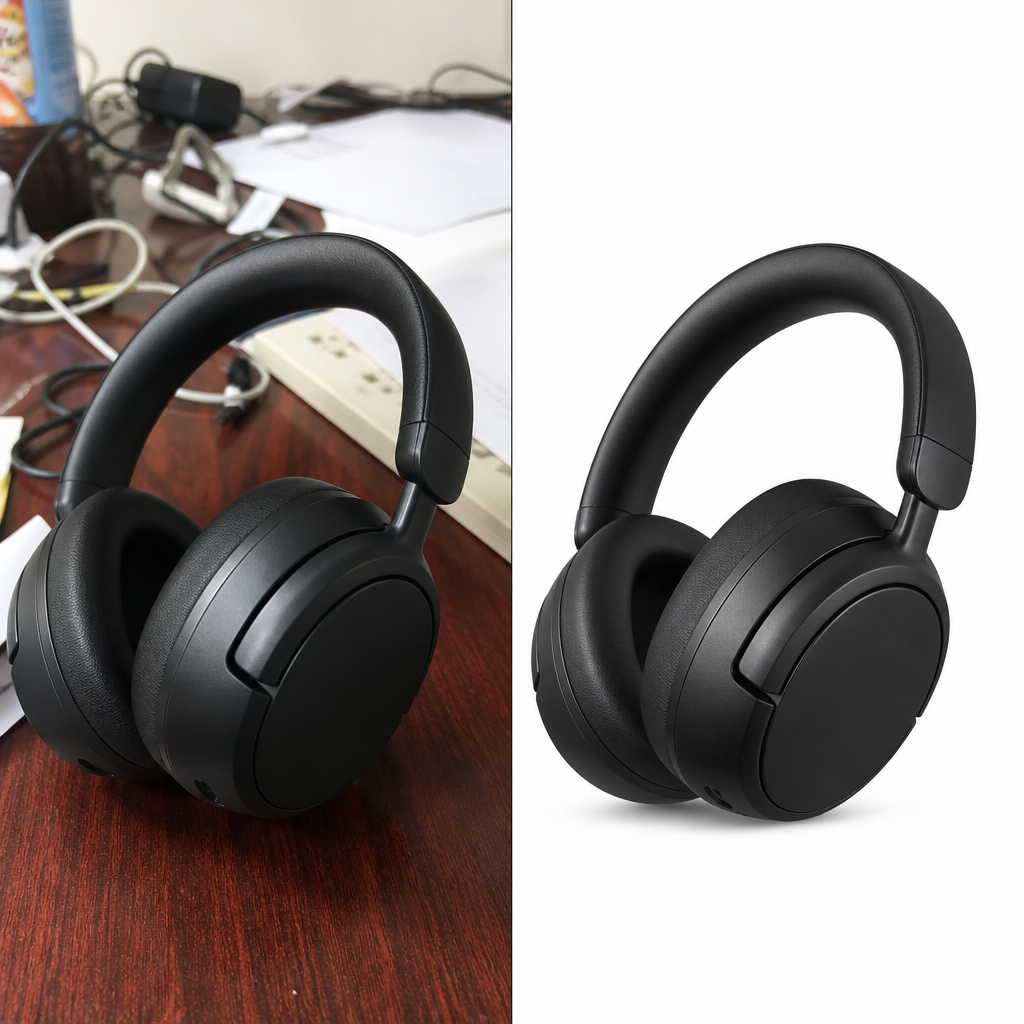 BeforeAfter
Phone snap → shop-ready packshot
Before & after · AI Product Photography
Commerce image workflows — listing to ads
Pick a tool — your sidebar stays in this studio.
Marketplace packshots
Listing-ready frames for Amazon, Shopify, and Etsy
Lifestyle & scale
More scenes from one SKU — like templates, built for variants
How to get Pebblely-beating product shots
Shoot square and sharp
Fill the frame with the product; avoid motion blur. One clean plate beats five messy ones.
Cut out before lifestyle
Run background remover first so lifestyle and packshot generations stay crisp.
Match light across the catalog
Reuse the same scene style so PDP grids look like one brand, not random stock.
Ship channel variants
Make 2–3 scenes per SKU: white listing, lifestyle social, and a promo crop for ads.
Before & after
From phone photo to shop-ready product visuals
Real before → after patterns: packshots, lifestyle, mockups, and promo frames.
BeforeAfterClean packshot
“messy desk snap → white studio ecommerce packshot”
Made in this studio
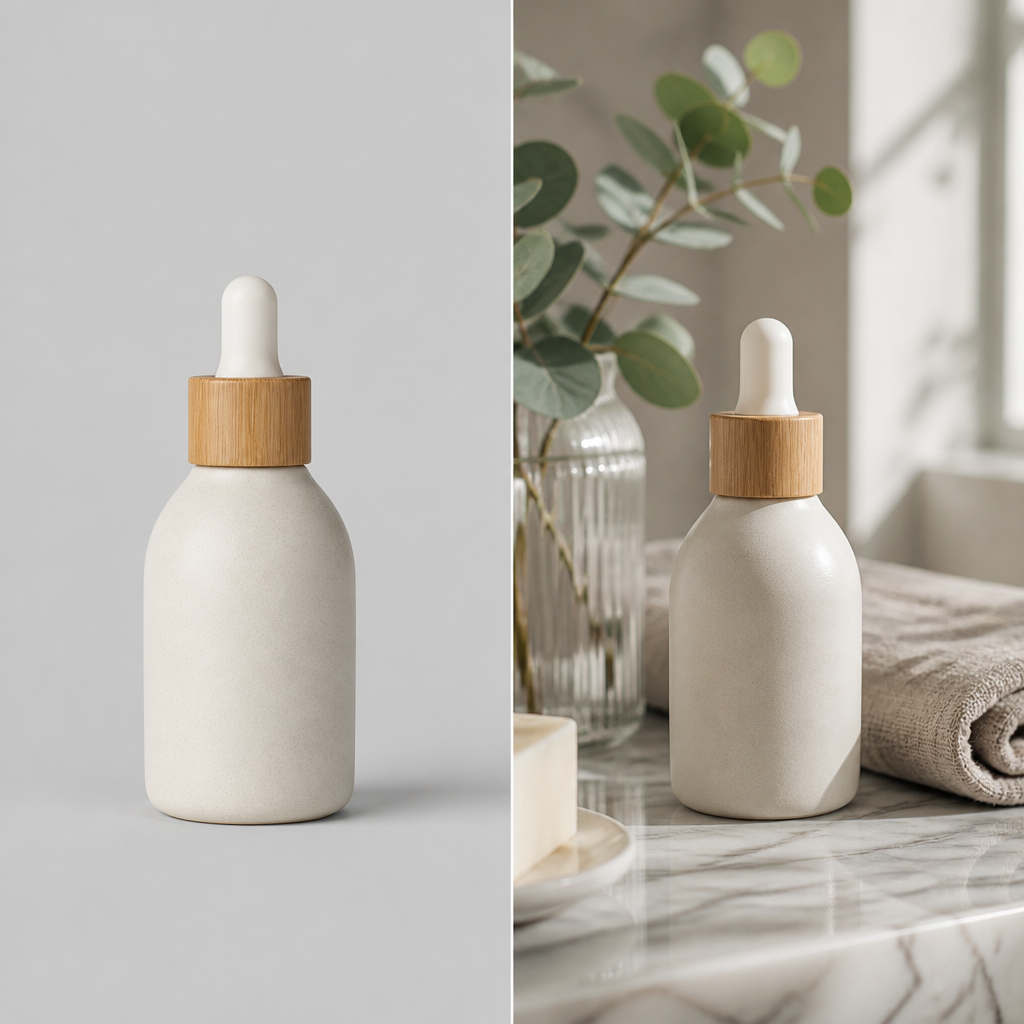 BeforeAfter
Lifestyle scene
“plain cutout → premium lifestyle product scene”
Made in this studio
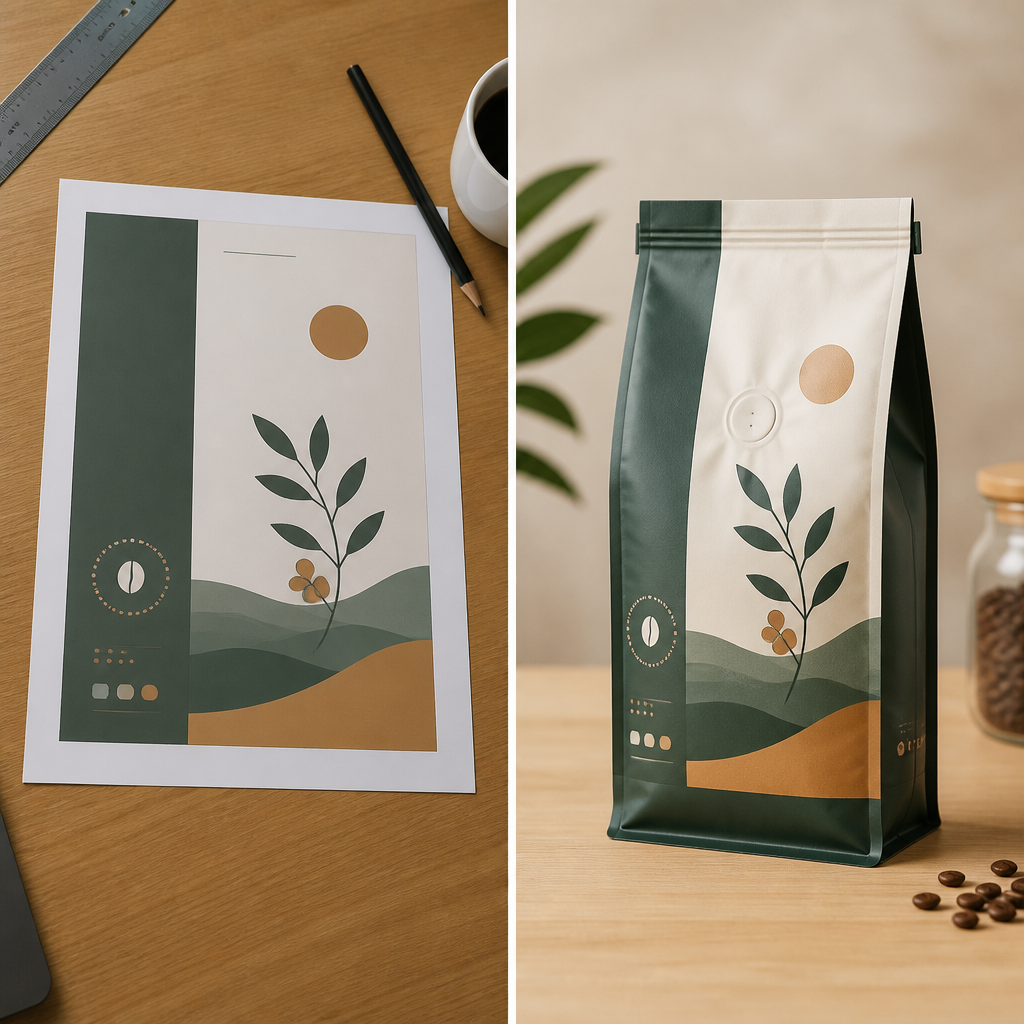 BeforeAfter
Brand mockup
“flat label print → 3D packaging mockup”
Made in this studio
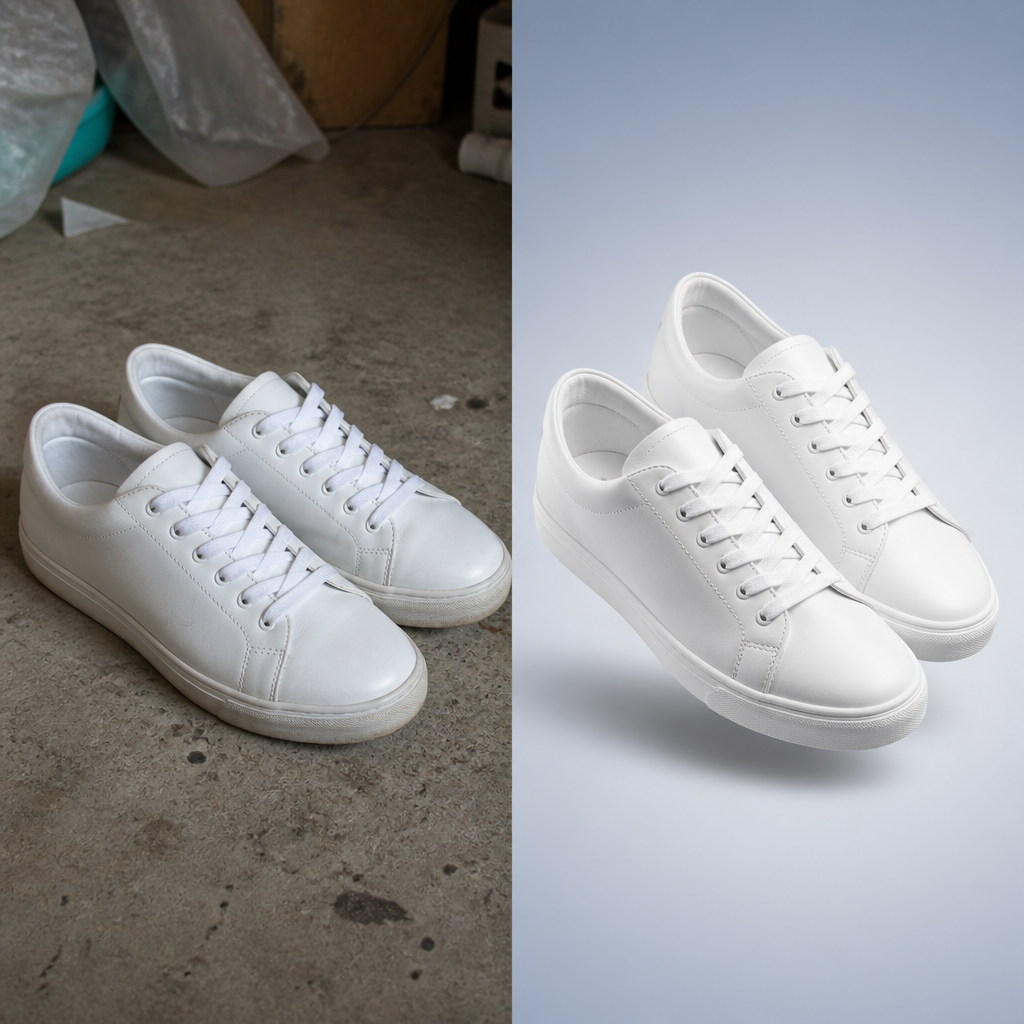 BeforeAfter
Promo frame
“dull floor photo → ad-ready product creative”
Made in this studio
Upload a product image and generate shop-ready scenes for every channel.
Guides
Learn Product Photos, then run the matching FastShot AI tool
Outer-layer reading that sends you back into this studio’s core tools.
Need more Product Photos credits?
Upgrade to keep creating in AI Product Photography without interruptions.
FAQs about AI Product Photography
Other studios
Use more than one? They all stay in your switcher so you can jump anytime.