Furniture AI
Furniture AI
Recolor, stage, and photograph furniture with AI — room-first
Change the color of any sofa, chair, or cabinet. Generate professional product shots. Virtually stage an empty room. No design software needed.
Furniture AI on FastShot AI is a dedicated studio for interior and furniture professionals. Recolor any piece of furniture, generate clean product shots for Etsy or Amazon, virtually stage empty rooms, and plan arrangements before moving a single item.
Free to try · No design skills needed · 2 credits on signup
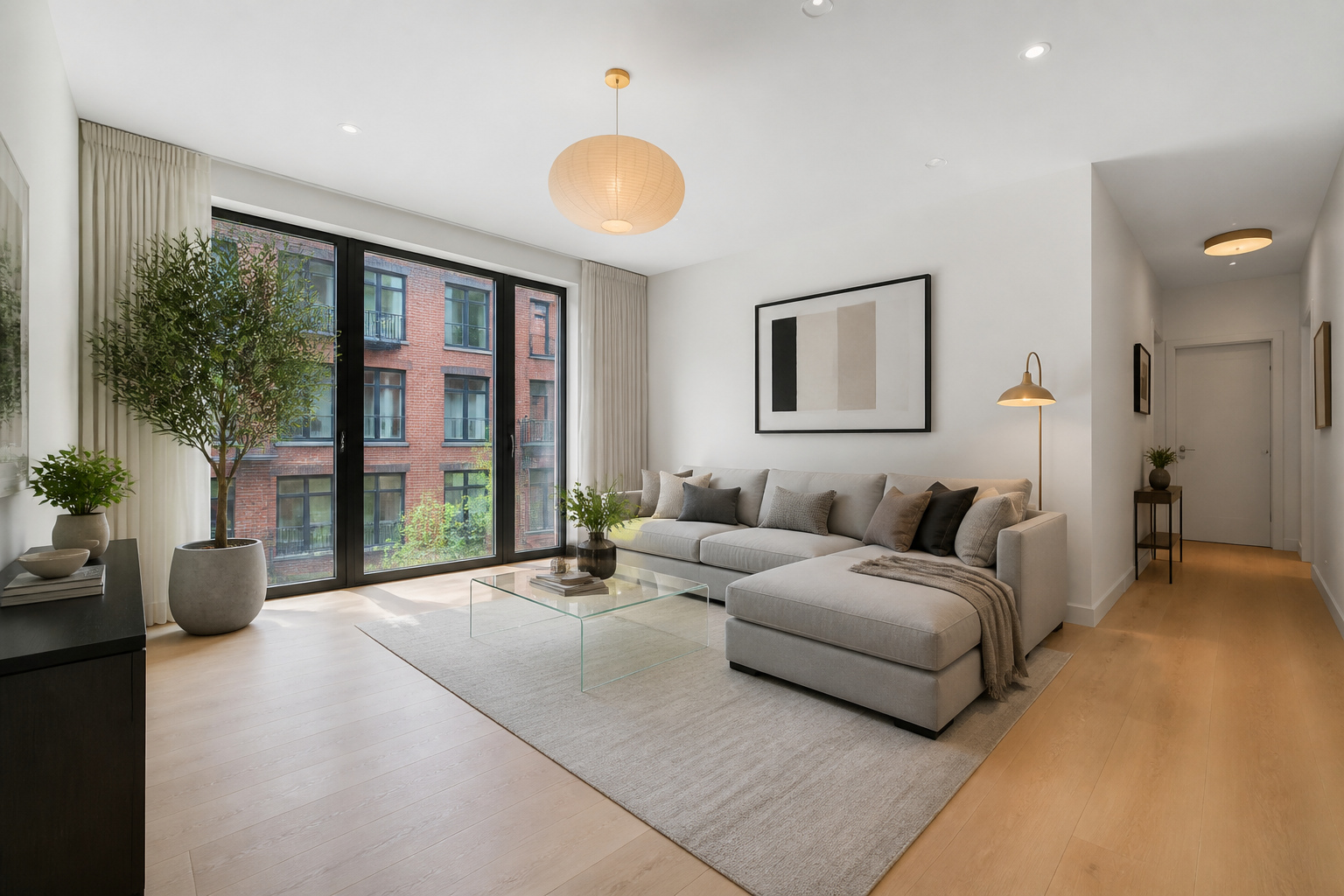
Real furniture AI output
Made with this studio
Furniture AI tools — recolor, shoot, stage
Pick a tool — your sidebar stays in this studio.
Listing photos
Create marketplace-ready furniture photos
How to get the best furniture AI results
Upload a clear photo
Even lighting, full furniture visible, neutral background preferred. Smartphone photos work fine.
Pick the right tool
Recoloring → Furniture Color Changer. Listing photo → Product Photography. Empty room → Virtual Staging.
Specify material and color
For color changes mention the material (velvet, wood, leather) and exact target color for realistic results.
Download and use
All outputs are high-res and ready for listings, client presentations, or interior mood boards.
Furniture results
Real furniture AI outputs from this studio
Color changes, clean product shots, and staged rooms — all from a photo.
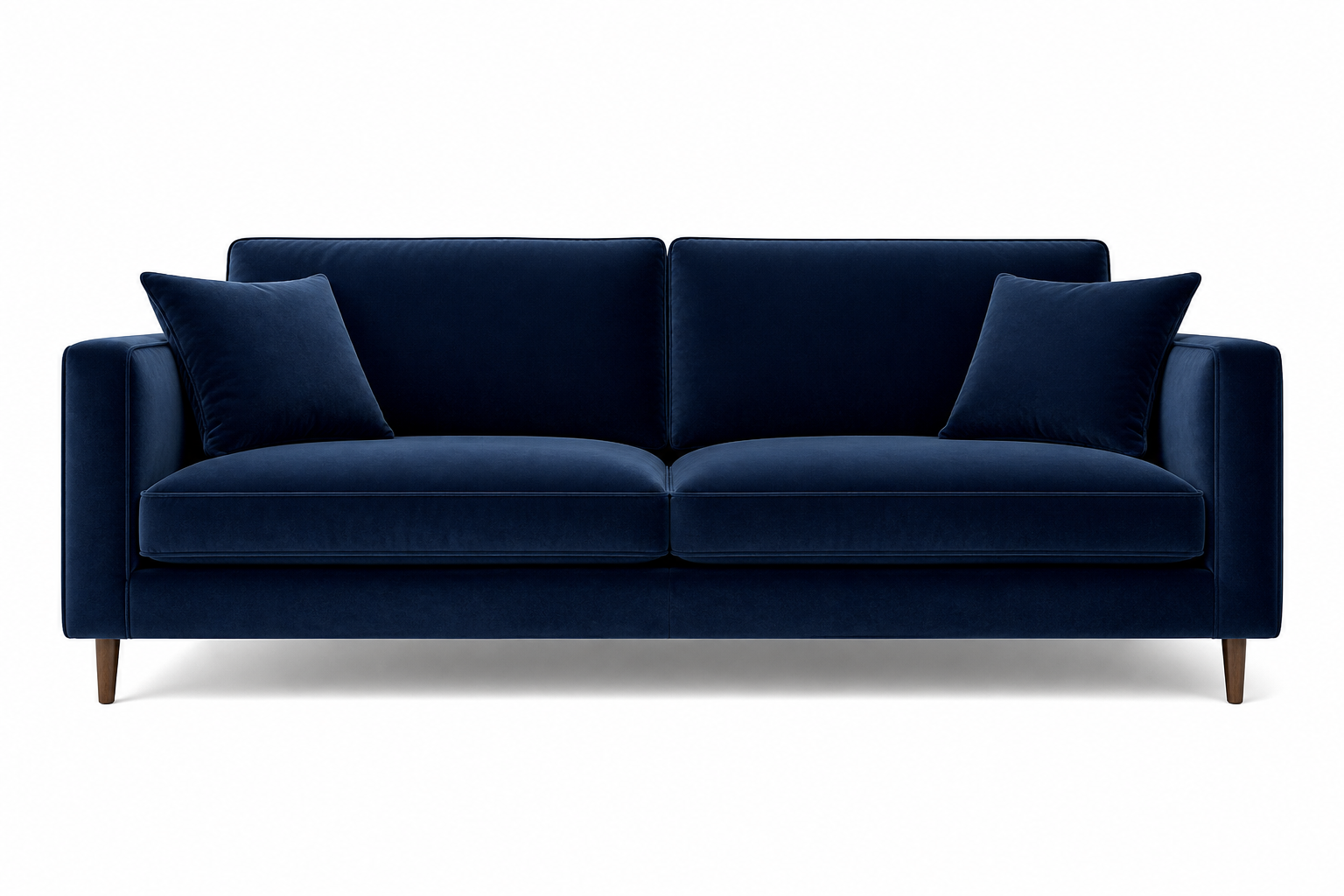
Sofa recolor
“beige fabric sofa changed to deep navy velvet finish”
Made in this studio
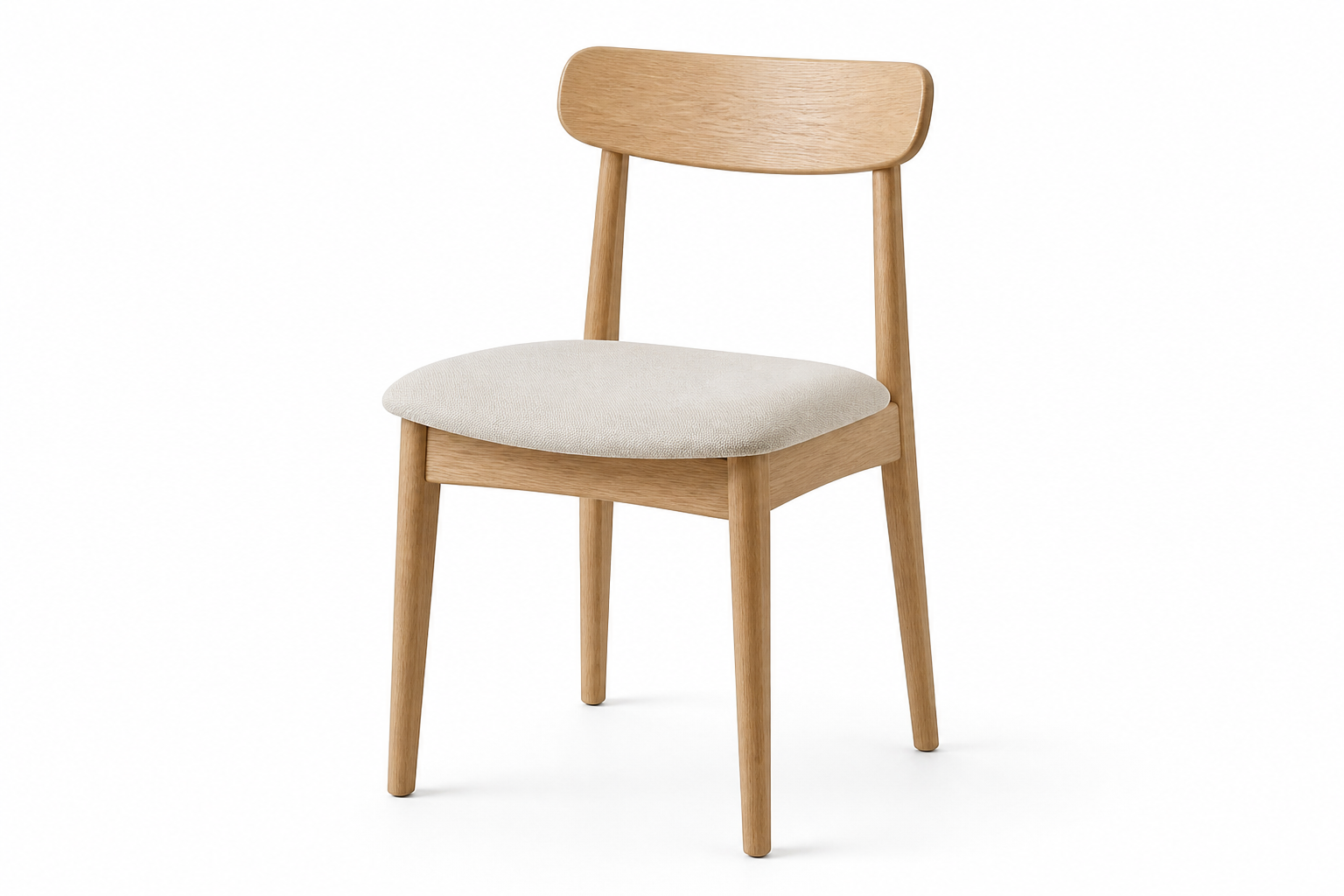
Product shot
“wooden dining chair on clean white studio background”
Made in this studio
Virtual staging
“empty living room with modern Scandinavian furniture placed by AI”
Made in this studio
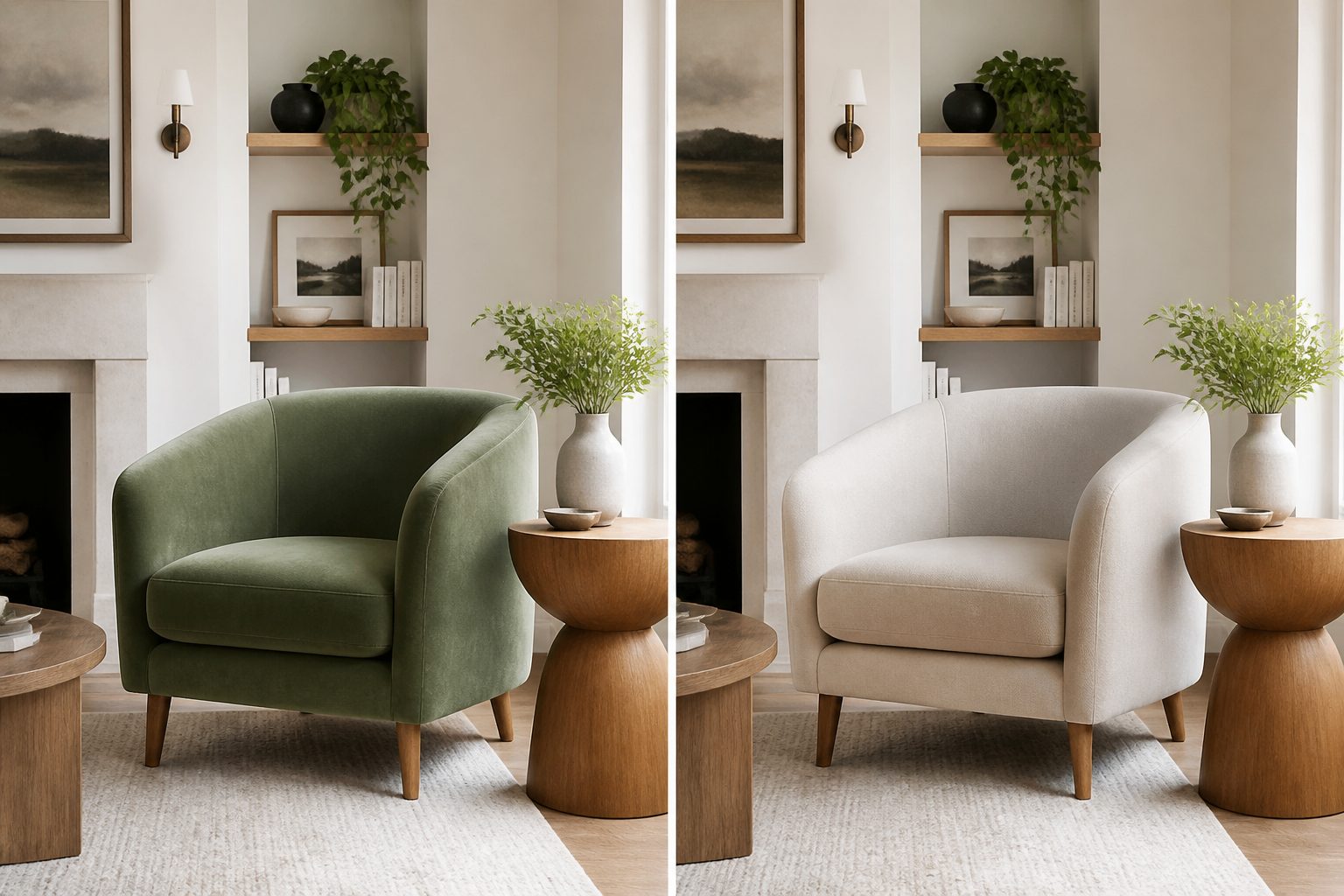
Color comparison
“sage green velvet armchair vs original beige — before and after”
Made in this studio
Pick a tool above, upload your furniture photo, and generate a professional result.
Guides
Learn Furniture, then run the matching FastShot AI tool
Outer-layer reading that sends you back into this studio’s core tools.
Need more Furniture credits?
Upgrade to keep creating in Furniture AI without interruptions.
FAQs about Furniture AI
Other studios
Use more than one? They all stay in your switcher so you can jump anytime.