AI Fashion Models
AI Fashion Models
AI fashion models for every SKU — always campaign-ready
Upload a garment or accessory and generate studio or lifestyle model shots. Keep the product consistent while you change model, pose, and scene — faster than a photoshoot, sharper than a collage.
AI Fashion Models on FastShot AI is a product-on-model photography studio: upload apparel or accessories, place them on AI models, swap looks, and generate campaign variants for ecommerce and social. Unlike background-only tools, this studio is built for full fashion model workflows.
Free to try · No model booking · Campaign variants with credits
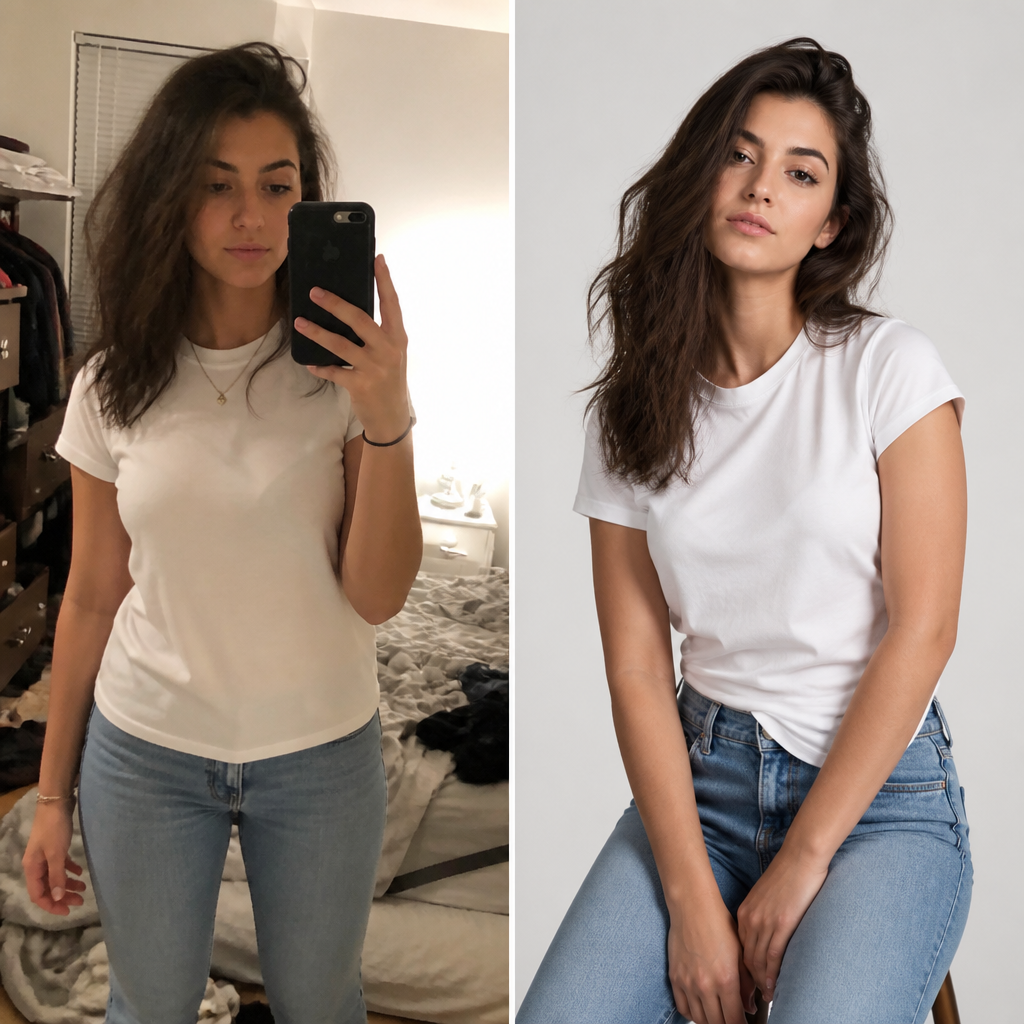 BeforeAfter
Casual snap → studio fashion model
Before & after · AI Fashion Models
Model workflows — shoot once, look infinite
Pick a tool — your sidebar stays in this studio.
On-model shots
Product on AI models — studio or lifestyle
Model control
Keep the product. Change the talent.
How to get shoot-quality model photos
Start with a clean product crop
Flat lay or mannequin with a simple background. Remove clutter first if needed.
Brief the model in one line
Age range, vibe, and pose beat long messy prompts. Reuse the same brief across SKUs for brand consistency.
Match scene to channel
White studio for PDP, street/lifestyle for ads and Instagram, soft lifestyle for lookbooks.
Iterate one variable at a time
Change model, pose, or lighting separately — then lock the winner and batch similar SKUs.
Before & after
From everyday photo to campaign-ready fashion models
Real before → after patterns: studio models, street campaigns, footwear, and outfit try-ons.
BeforeAfterStudio model shot
“casual selfie → clean studio fashion model”
Made in this studio
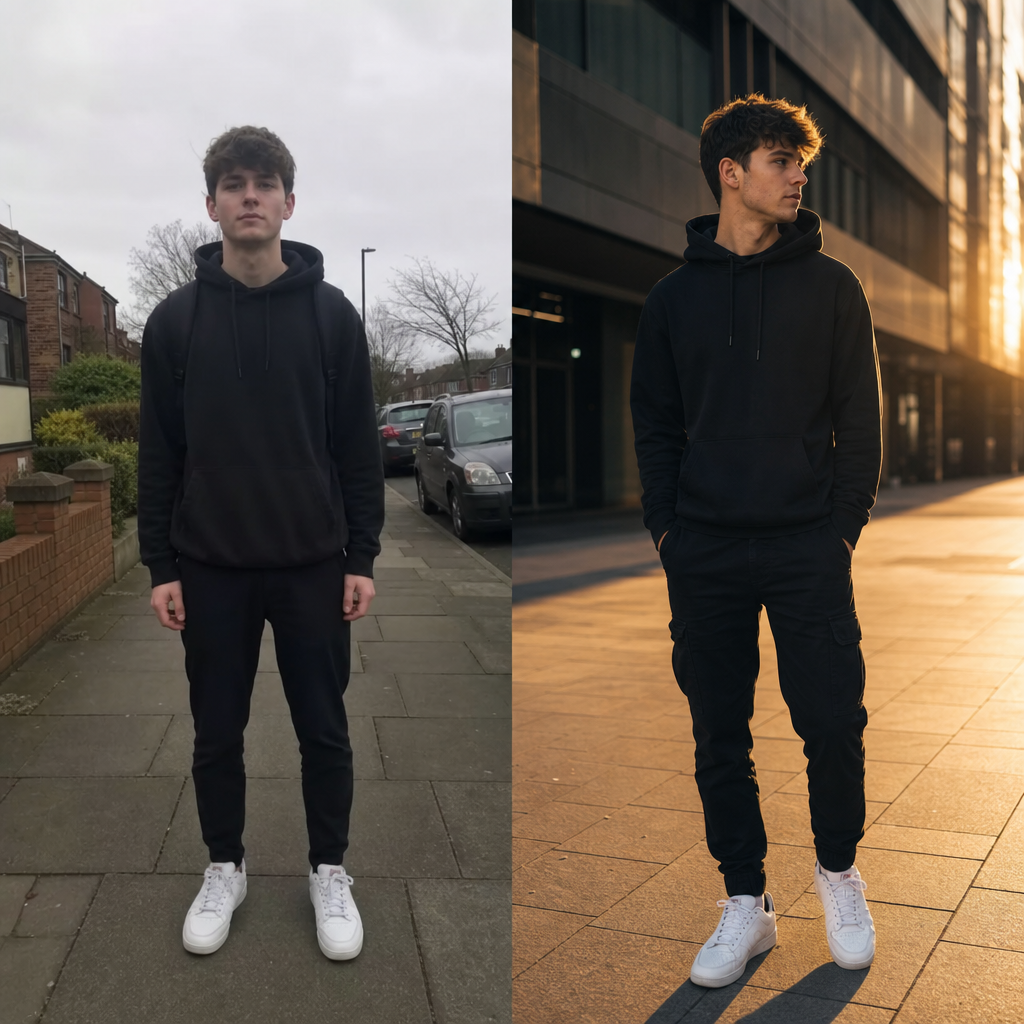 BeforeAfter
Street campaign
“dull street snap → editorial lifestyle campaign”
Made in this studio
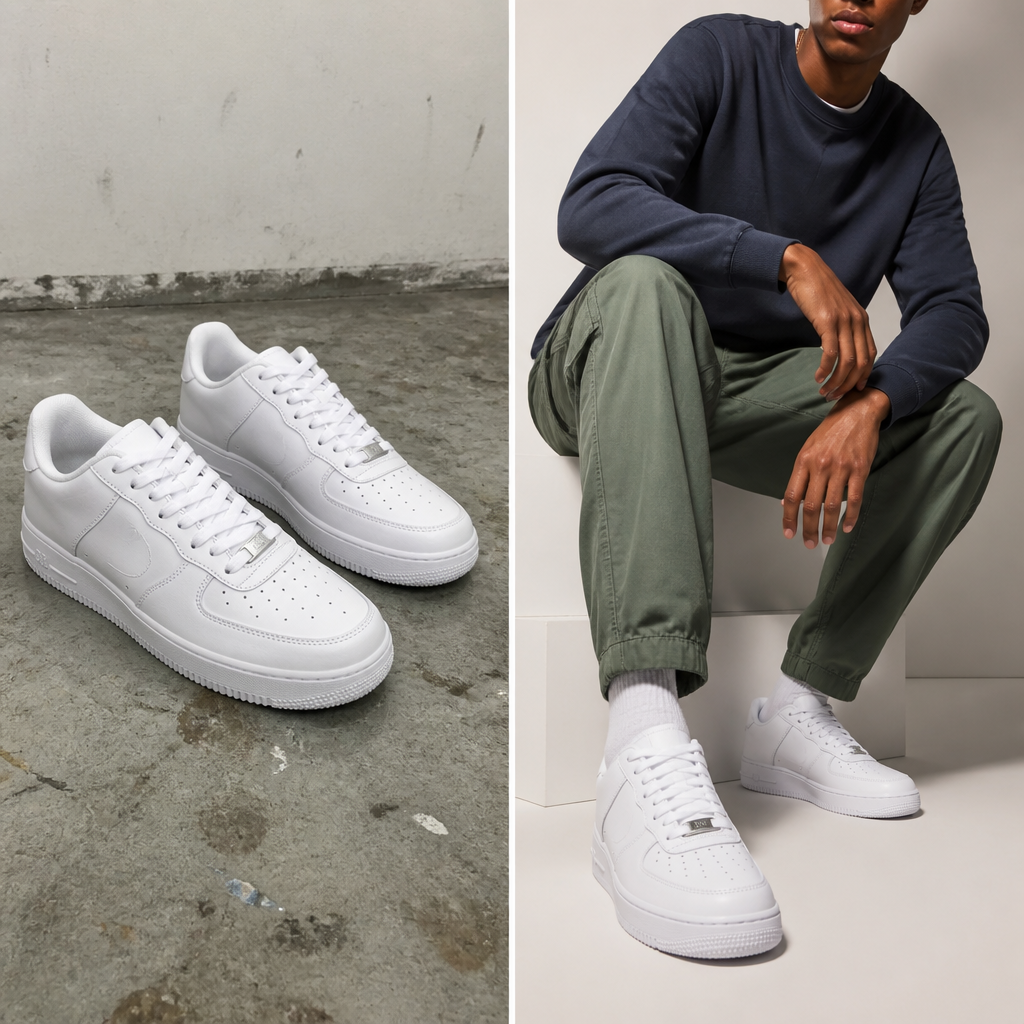 BeforeAfter
Footwear feature
“flat shoe photo → on-model footwear feature”
Made in this studio
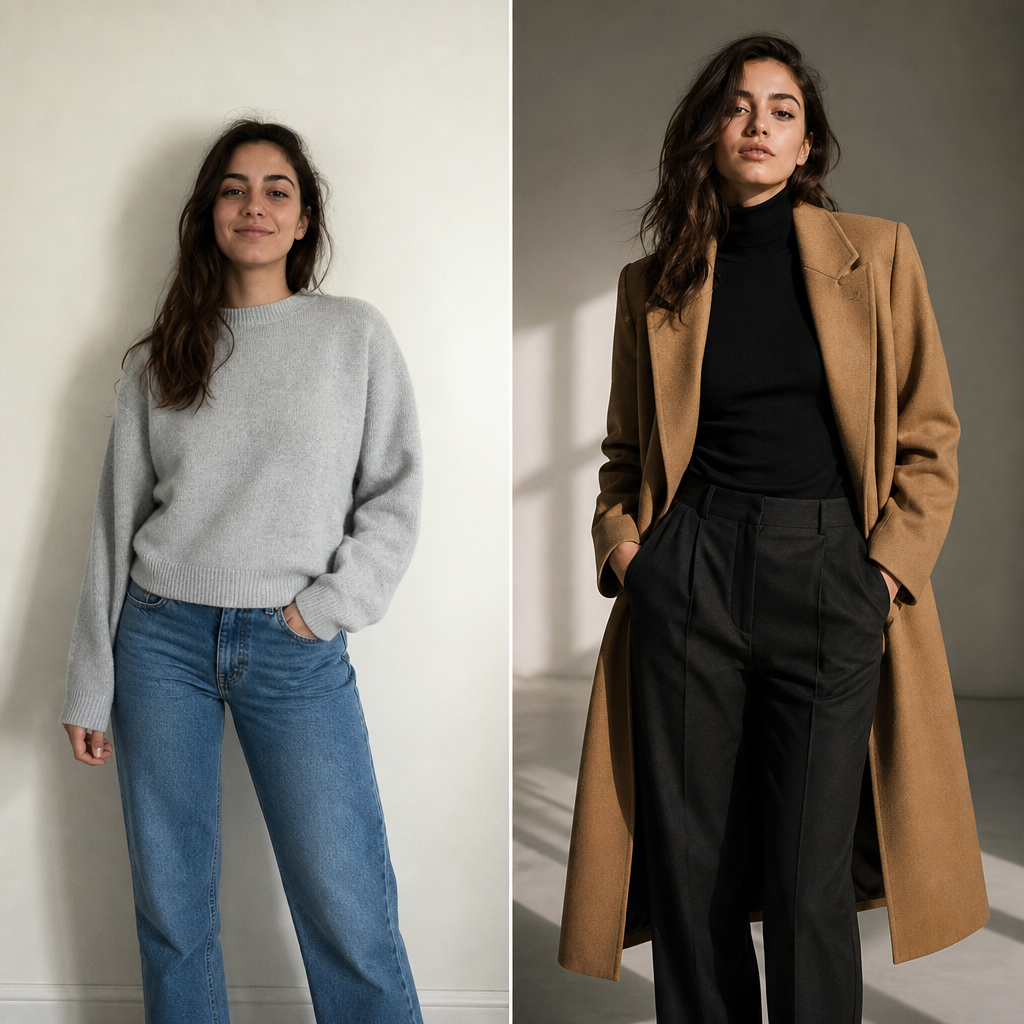 BeforeAfter
Outfit try-on
“everyday clothes → polished fashion look”
Made in this studio
Upload a product image and generate a campaign-ready model shot in seconds.
Guides
Learn Fashion Models, then run the matching FastShot AI tool
Outer-layer reading that sends you back into this studio’s core tools.
Need more Fashion Models credits?
Upgrade to keep creating in AI Fashion Models without interruptions.
FAQs about AI Fashion Models
Other studios
Use more than one? They all stay in your switcher so you can jump anytime.