Thumbnail Studio
Thumbnail Studio
YouTube thumbnails that look click-ready
Generate attention-led covers without digging through every image tool.
Thumbnail Studio on FastShot AI is the thumbs product surface: Click-worthy thumbnails and cover images for YouTube and short video. FastShot AI keeps this topical root separate from unrelated generators so commercial thumbs tools share one hub.
Bold crops · High contrast · Made for clicks
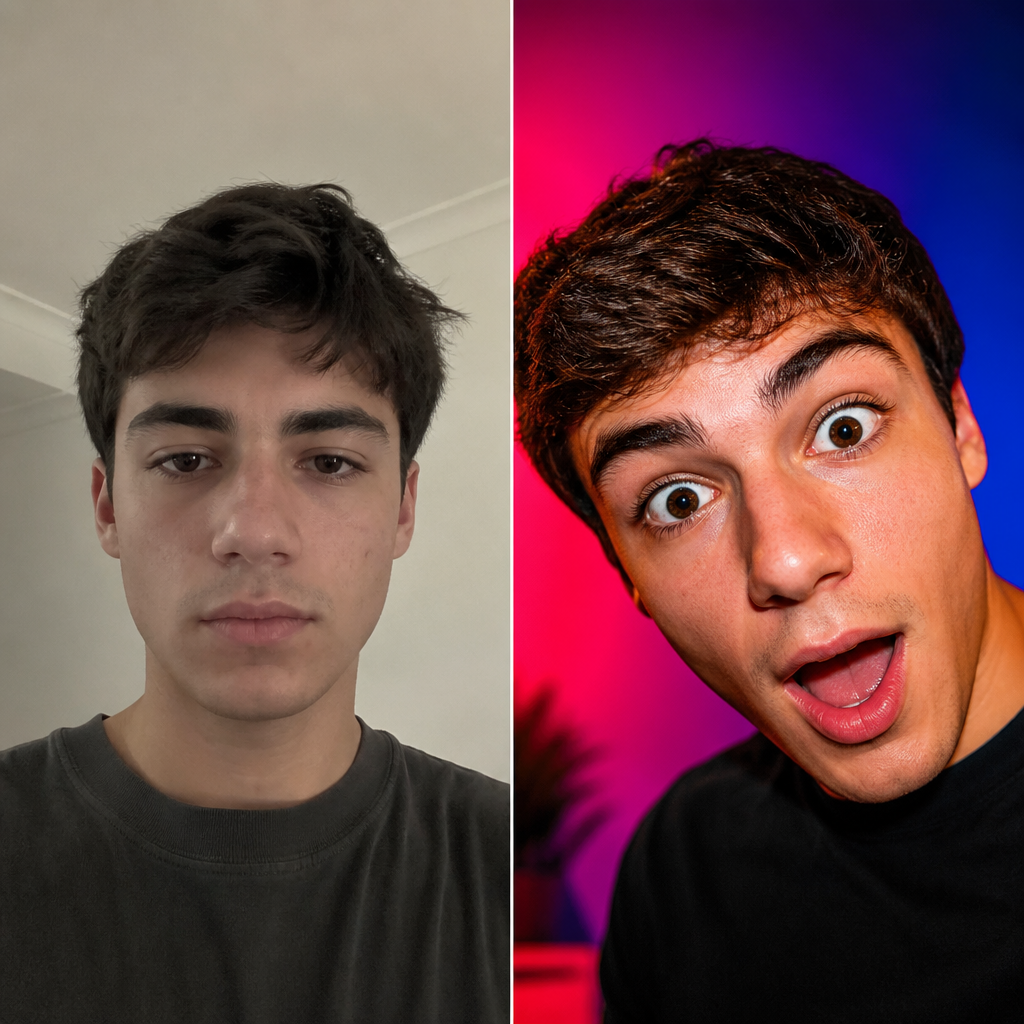 BeforeAfter
Flat selfie → bold YouTube thumbnail crop
Before → after · Made with Thumbnail Studio
How to get better thumbnails
One clear subject
Face or product large in frame beats busy scenes.
High contrast
Bright subject on simple background.
Leave text room
Expand canvas if you will add a title later.
Make 3 variants
Test emotion, color, and crop separately.
Thumbnail results
Thumbnail drafts made here
Cover-style outputs from thumbnail tools.
BeforeAfterFace close-up
“casual selfie → high-contrast thumbnail face”
Made in this studio
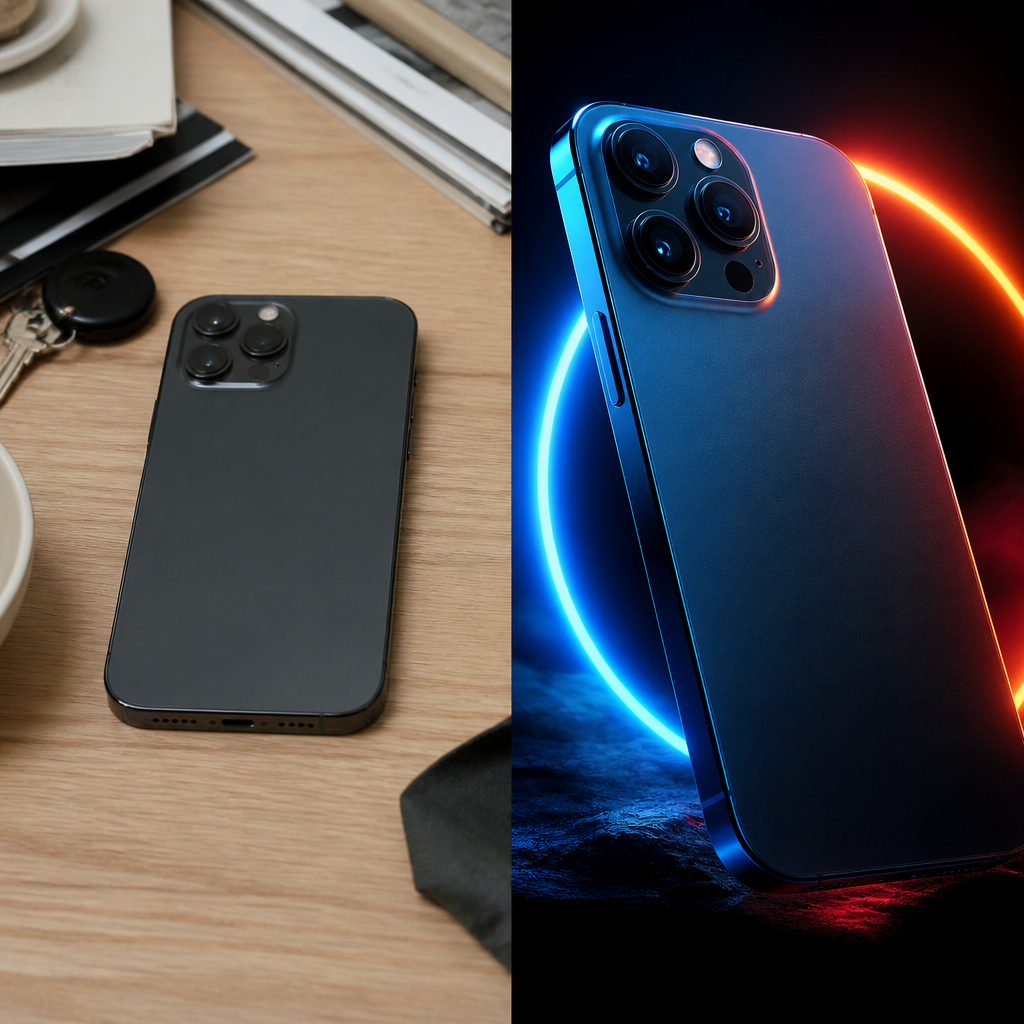 BeforeAfter
Product pop
“dull product shot → neon thumb-stopping hero”
Made in this studio
 BeforeAfter
Reaction energy
“neutral face → exaggerated CTR reaction”
Made in this studio
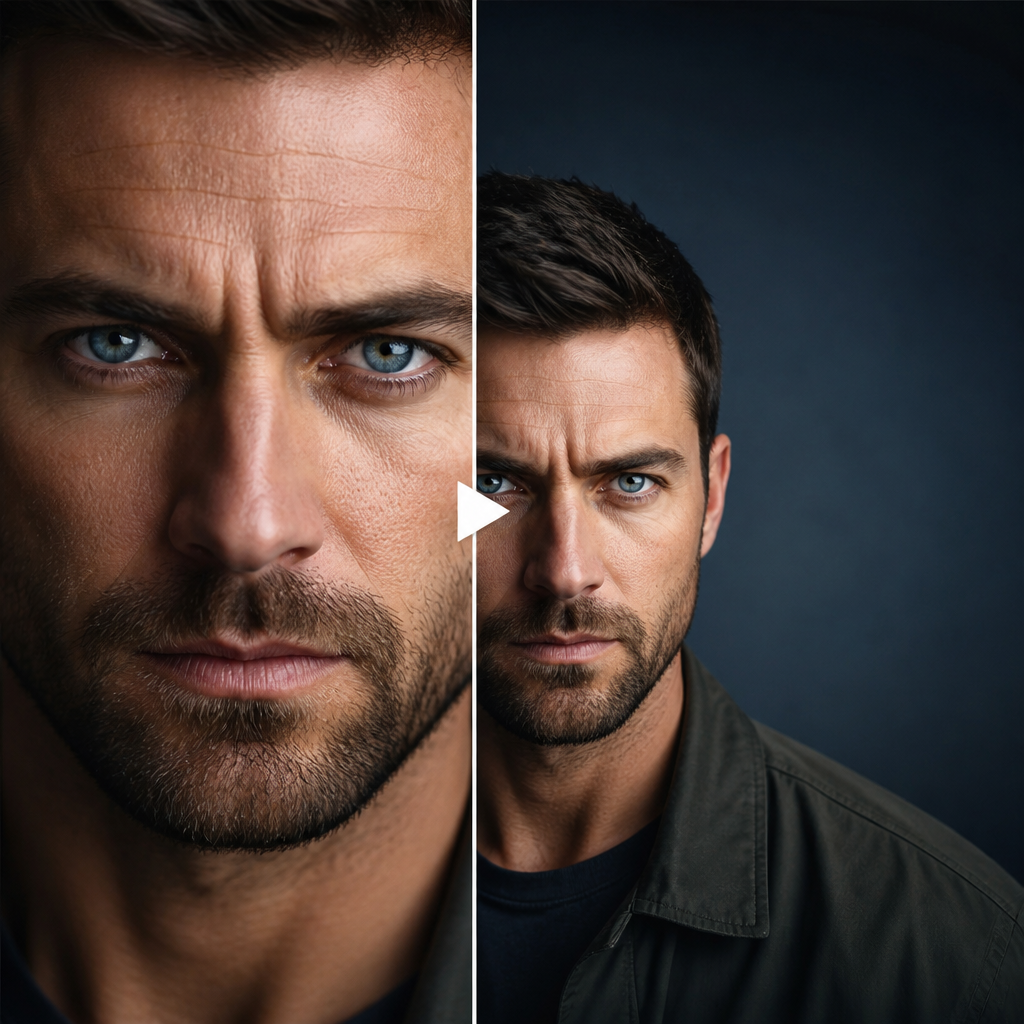 BeforeAfter
Text space
“tight crop → expanded canvas for title”
Made in this studio
Generate a bold crop, then add your title in an editor.
Guides
Learn Thumbs, then run the matching FastShot AI tool
Outer-layer reading that sends you back into this studio’s core tools.
Need more Thumbs credits?
Upgrade to keep creating in Thumbnail Studio without interruptions.
FAQs about Thumbnail Studio
Other studios
Use more than one? They all stay in your switcher so you can jump anytime.