image chat
AI Render
Upload a sketch, line drawing or plain 3D model and get back a photorealistic render with the same shapes, layout and camera angle.
Add a photo and describe what you want.
Publish
Share page, result, or card
Drew a house on paper, blocked out a room in SketchUp, or sketched a product idea? Upload it to this AI render tool, say what it shows and pick the light, and it paints in real materials, textures and shadows while keeping your shapes, layout and camera angle. You get a photoreal picture of your own design in about a minute, not a new design made up by the AI.
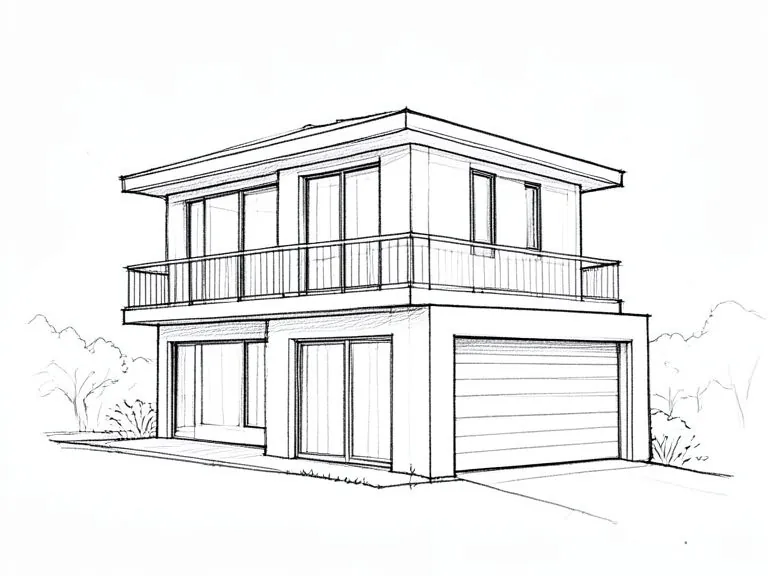
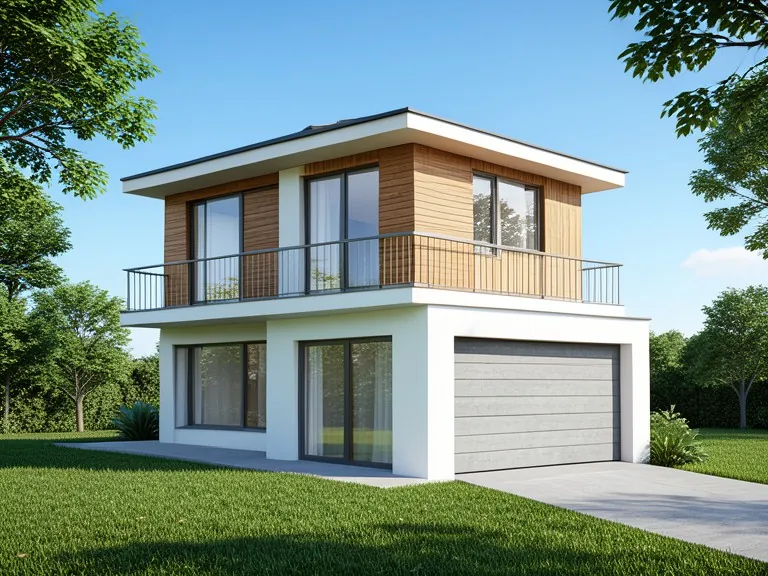
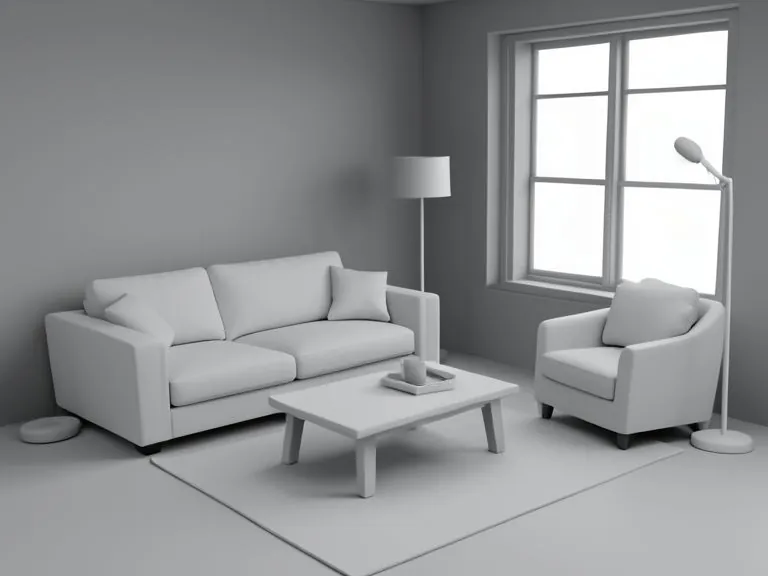
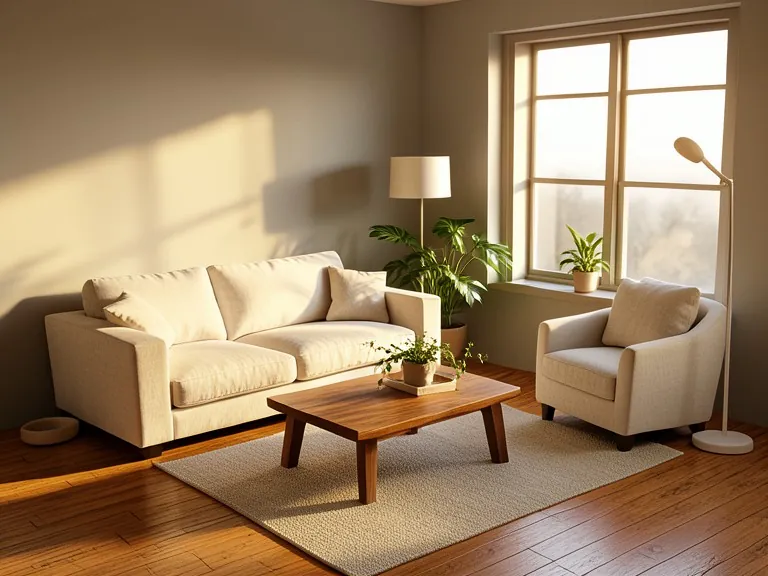
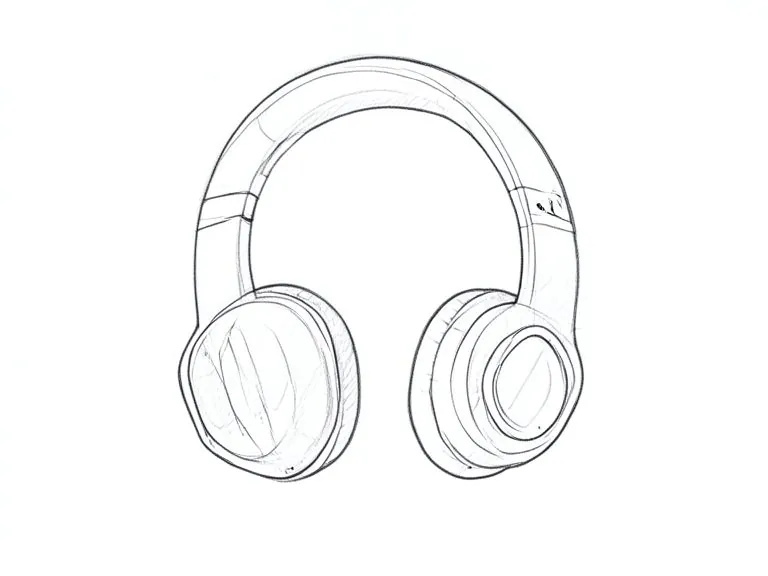
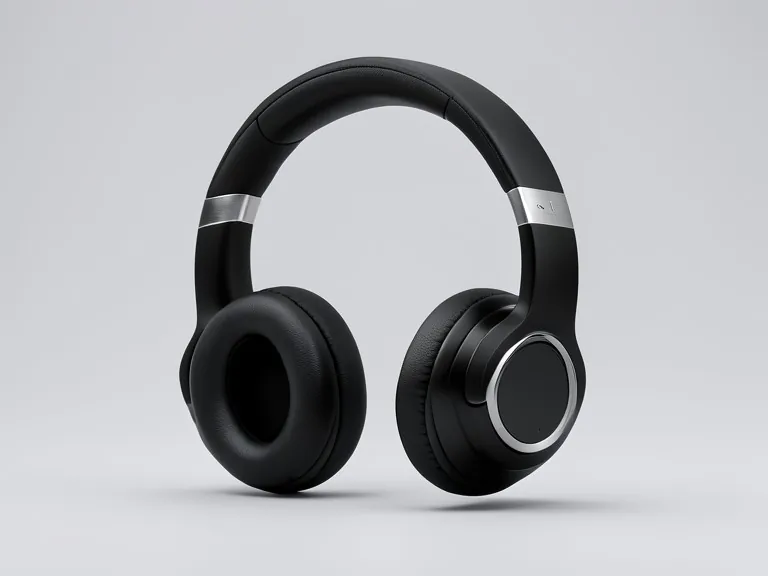
How to make an AI render from a sketch
1. Take a straight-on photo or screenshot of your sketch, line drawing or clay model.
2. Upload it and choose what it shows: a building, an interior room, a product or a garden.
3. Pick the light: daylight, golden hour, dusk with lights on or studio.
4. Press Render it, then download the result or try another light.
Sketch to render for houses, rooms and products
Architects and students use it to show a client a hand sketch as a finished building. Interior designers turn a grey clay model into a room with oak floors, fabric and sunlight. Product designers turn a pencil concept into a clean studio shot. Garden plans get lawn, plants and sky.
What makes a good input for an AI render
Clear lines and a single view work best. Shoot the paper flat and in good light, crop out the desk around it, and keep the drawing in perspective rather than a flat floor plan. Untextured 3D models from SketchUp, Blender, Rhino or Revit are ideal, because the shapes are already exact.
Is an AI render the same as a 3D render?
No. A classic 3D render takes a full model, materials and lights and hours of setup. An AI render reads your image and paints a realistic version of it in one step, so it is fast for ideas and client previews. For exact sizes and construction drawings, keep using your CAD files.
Questions
Is the AI render tool free?
Yes. You can render a sketch or 3D model for free, with no software to install.
Will it keep my design?
It is told to keep every shape, opening and part where you drew it, and the same camera angle. Clear lines give the closest match; a messy or very faint sketch leaves it more to guess.
Can I render a SketchUp or Blender model?
Yes. Export or screenshot a plain or clay view and upload it. Untextured models work very well because the shapes are already clean.
Does it work with floor plans?
It works best with a perspective view, like a sketch of the front of a house or a room seen from a corner. A flat top-down plan gives a top-down picture.
What image types can I upload?
JPG, PNG or WebP up to 8 MB. A straight-on photo of the paper in good light works well.
Can I use the renders for a client or portfolio?
Yes, they are yours to use for previews, mood boards and presentations. Check the details against your drawings before you build anything.